Background
People use Alitools to get information about products on AliExpress. It helps them find the right offers and avoid disappointing purchases.
After installing the extension, the Alitools widget appears on product pages. It shows a six-month price history, its own seller rating, and quick access to a list of similar items and photos from buyers.
Alitools also knows how to notify you when an item's price drops and search by picture.
Project: Onboarding
Problem 1: Users don't understand where to find Alitools after installation.
Problem 2: Users must learn the extension's features themselves.
Goal: to increase first-day retention and tell about features.
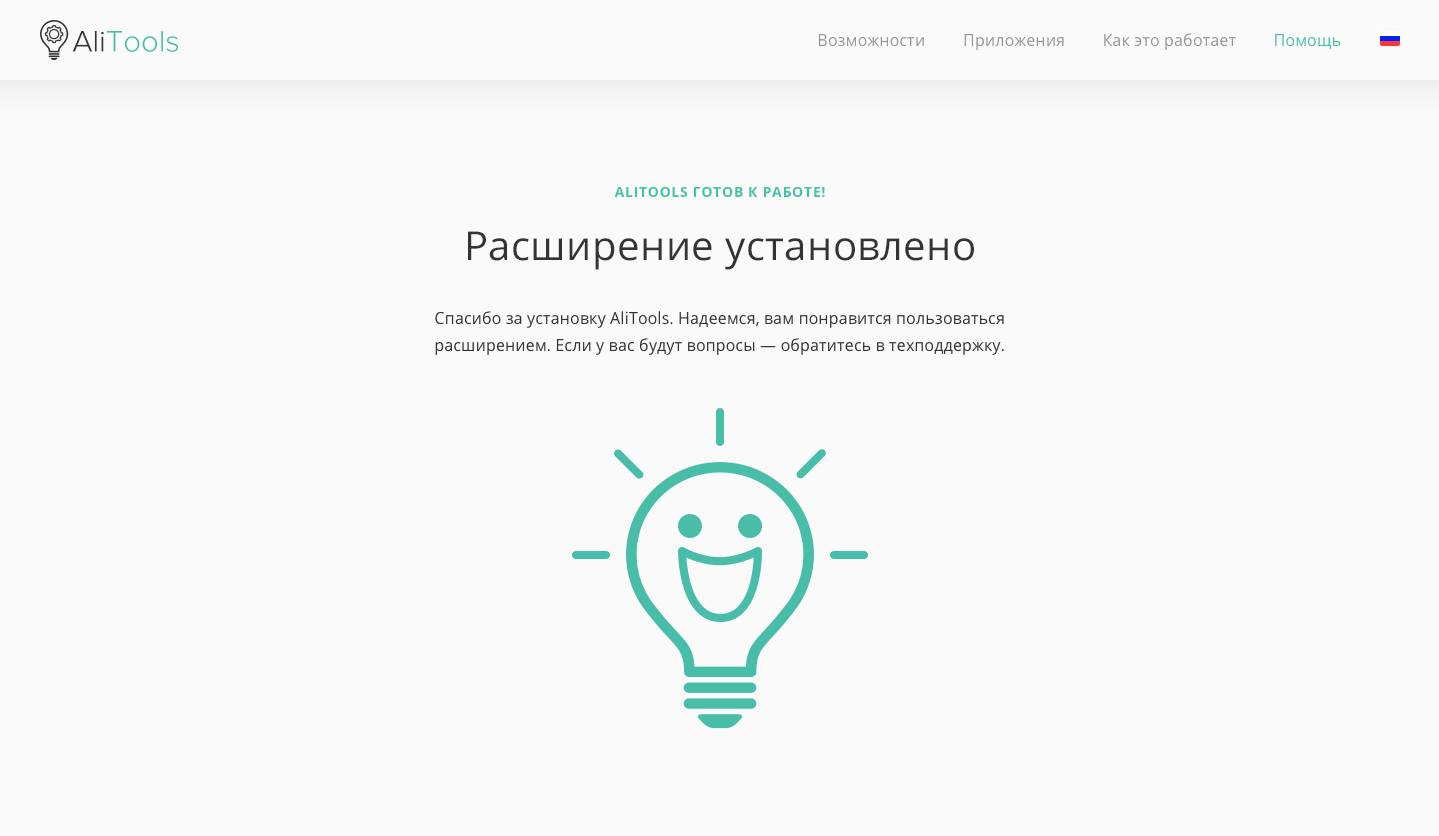
Existing version
Automatically opens a new tab in the browser with a successful installation message.
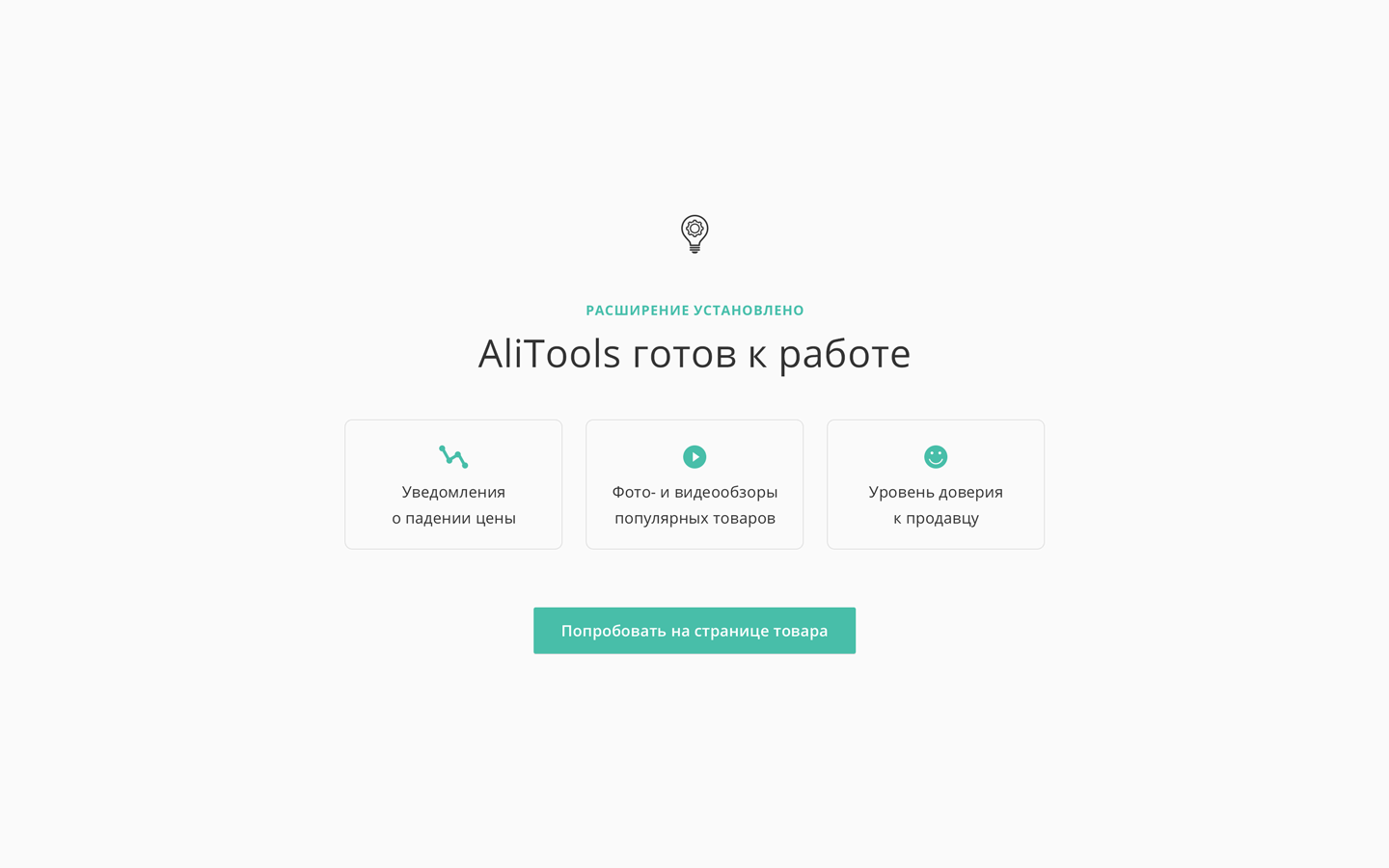
Second version
Automatically opens a new tab in the browser with a message about the successful installation, a description of the main functions, and the "Try" button.
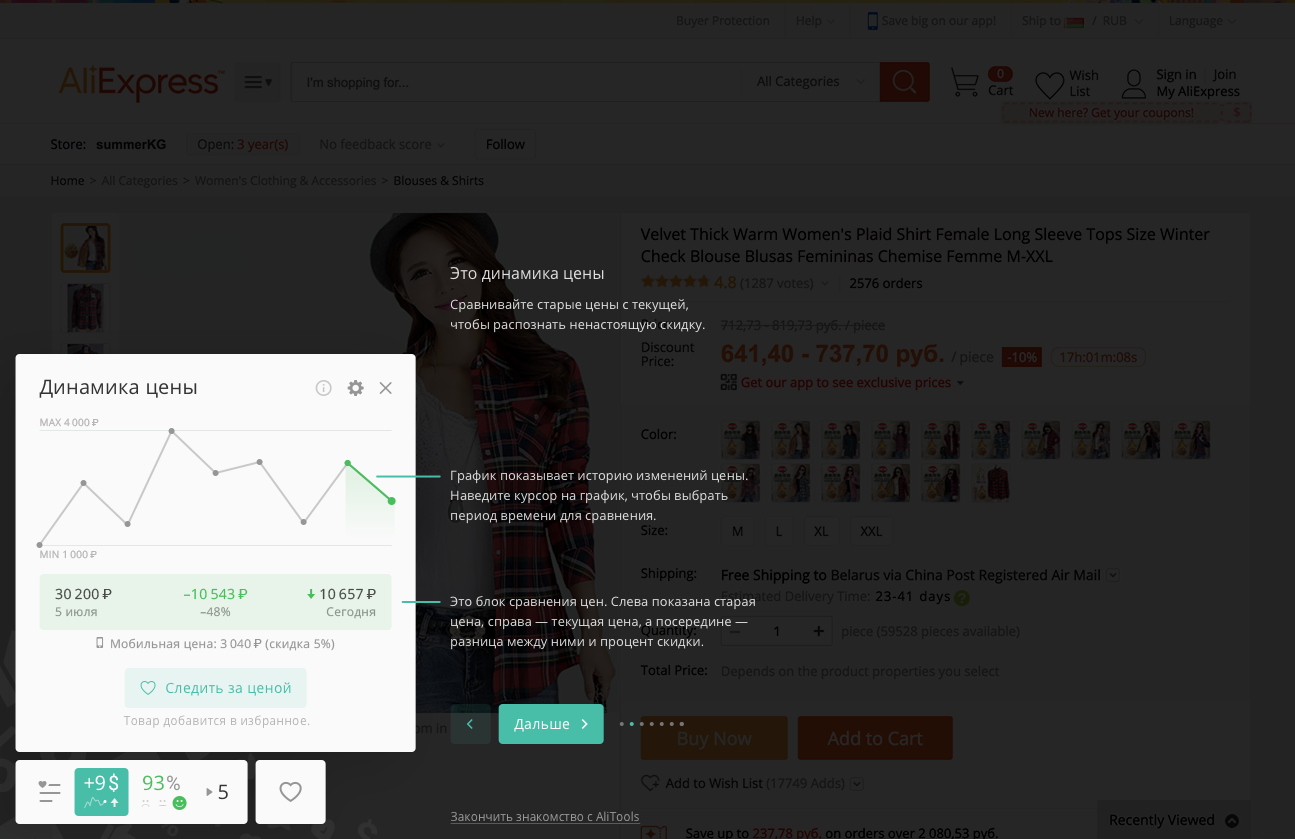
The button takes the user to the product page on AliExpress. On top of that is a tutorial with several steps that explains all the widget's features.
There are seven steps...
New problem: only 16% of new users open the tutorial. Even fewer reached the end. The first-day retention is 4%.
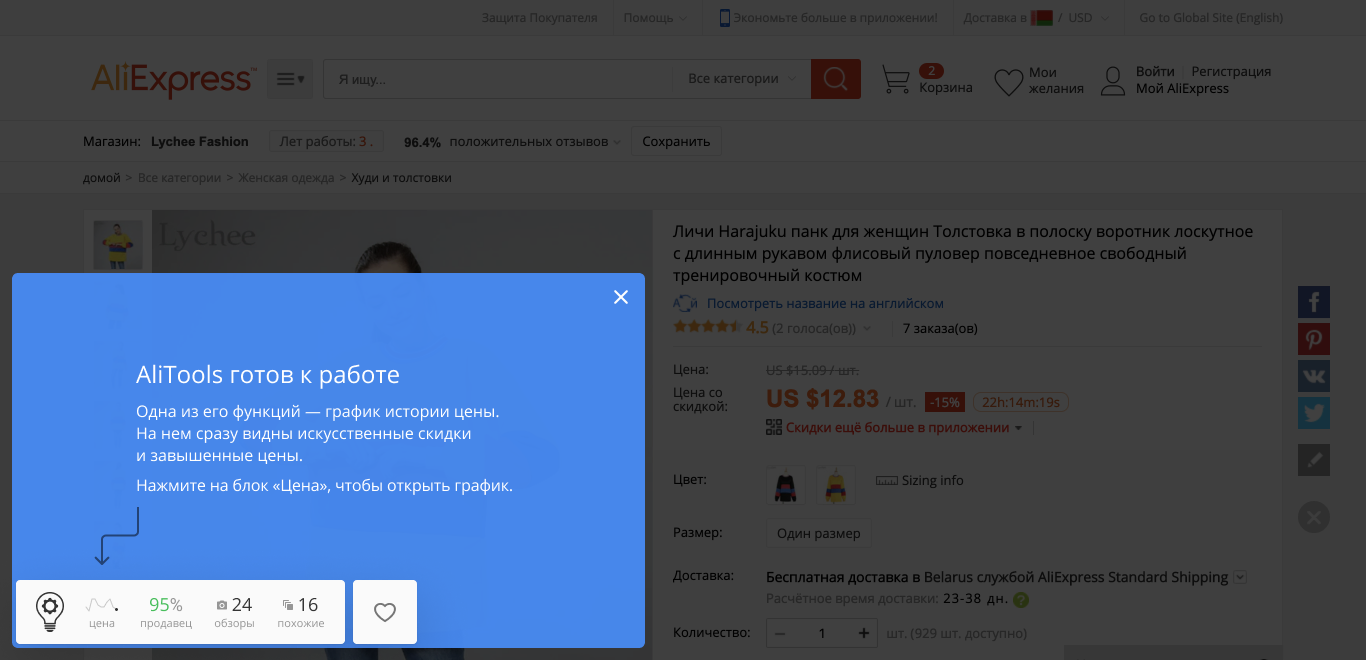
Third version
After installation, we open the product page. Above is a description of the most popular feature and an offer to use it.
After any action, the blue splash disappears.
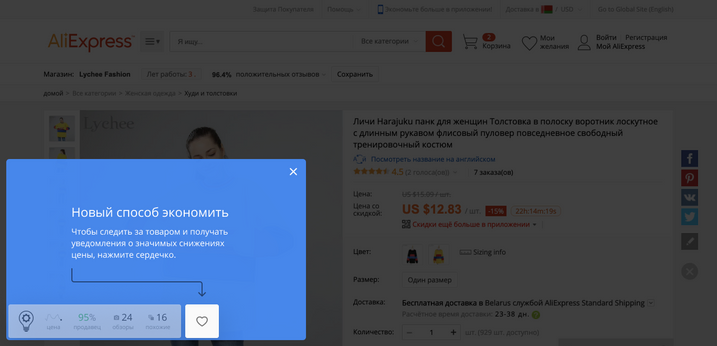
The next time the user opens the product page, we inform them about the price-drop notification feature.
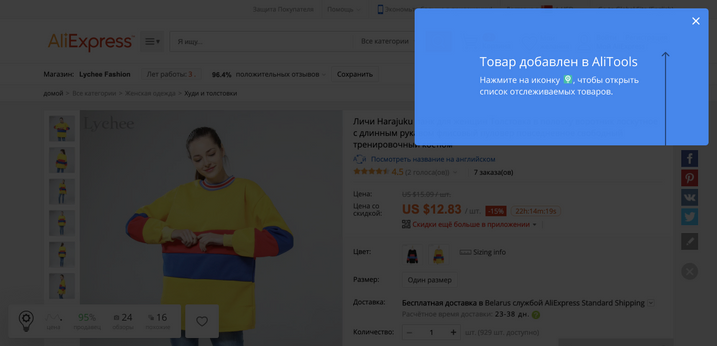
The first time the user saves an item, we show them where to look for it.
Results
Raised the first day's retention from 4% to 12%.
Project: New website
Problem 1: The old site is outdated and doesn't reflect the product's current state.
Problem 2: Making changes to the site requires a developer's involvement.
Goal: Build a new site on Webflow. Cool, beautiful, and without involving developers.
Condition: Raise or at least not drop the conversion rate.
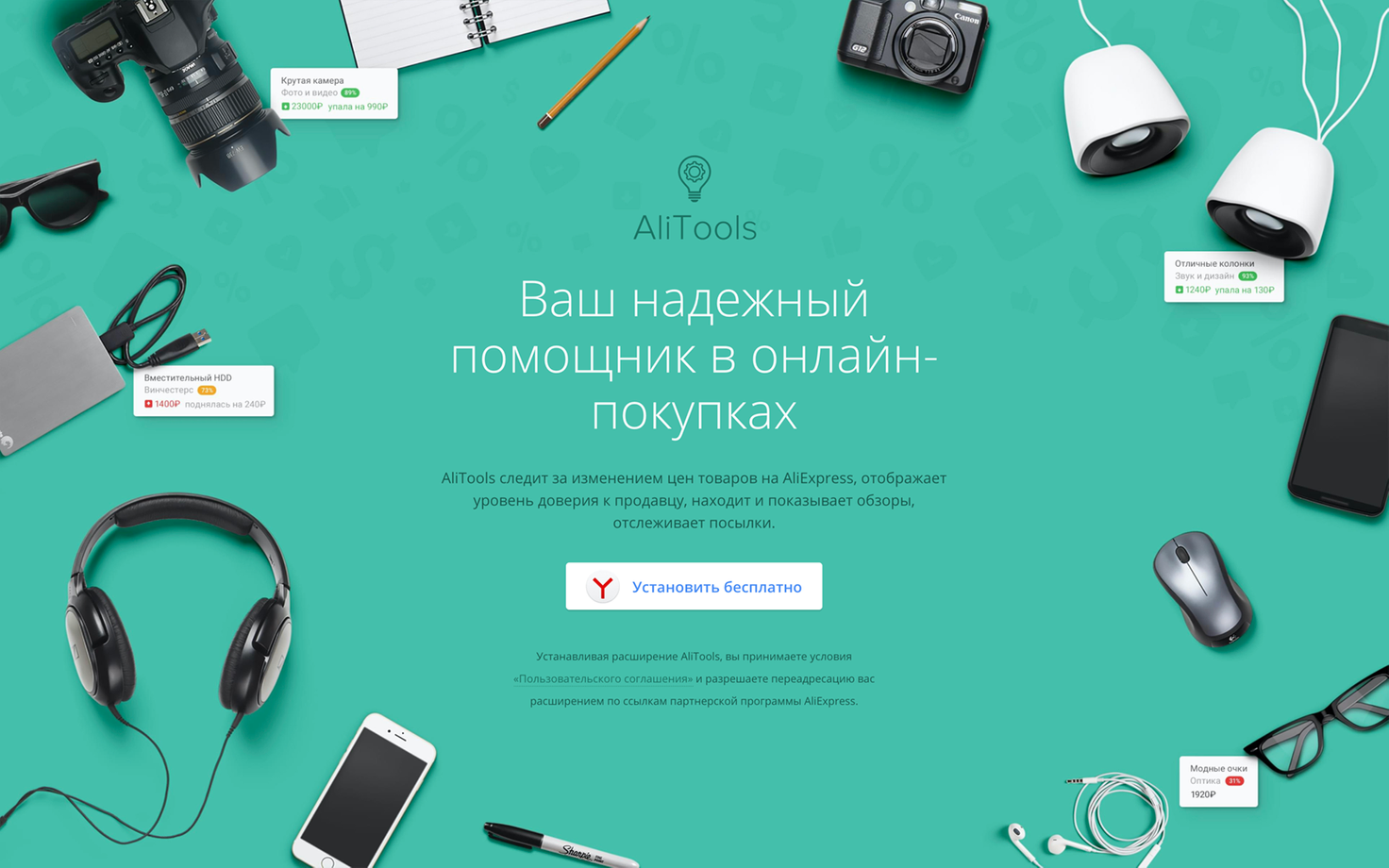
Old solution
- emphasis on shopping
- outdated product UI
- about functions, not benefits
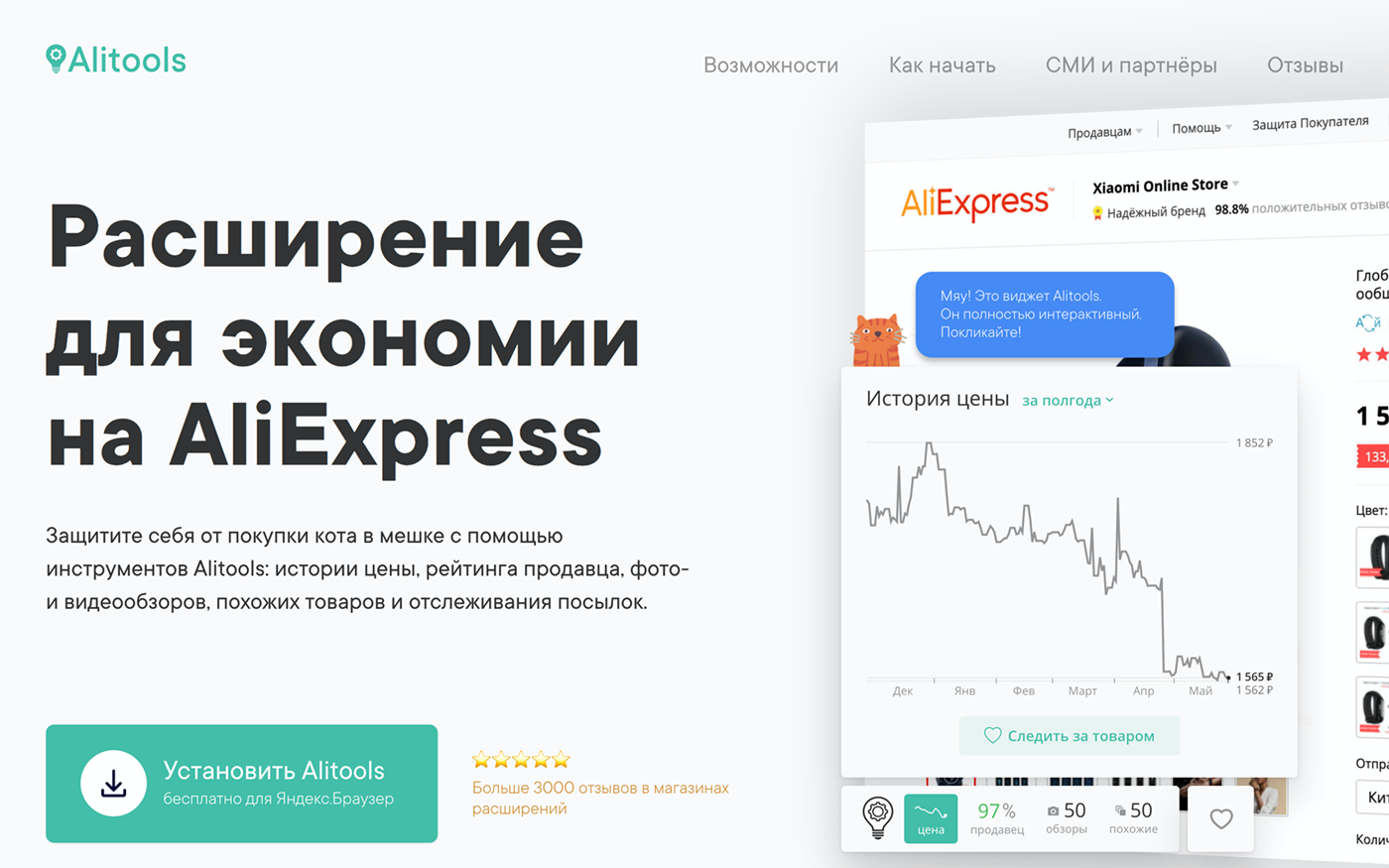
New solution
- emphasis on the product
- the latest version of the UI
- about benefits through stories
Workflow
Two independent product teams worked on Alitools. They were assisted by specialists: an analyst, a user researcher, a marketing specialist, and a designer (that's me).
The process of delivering a feature began with the PM receiving input: a business opportunity or a problem identified by the specialists. Then a standard document for the new feature was prepared, describing possible solutions, limitations, and related details. The economics were calculated.
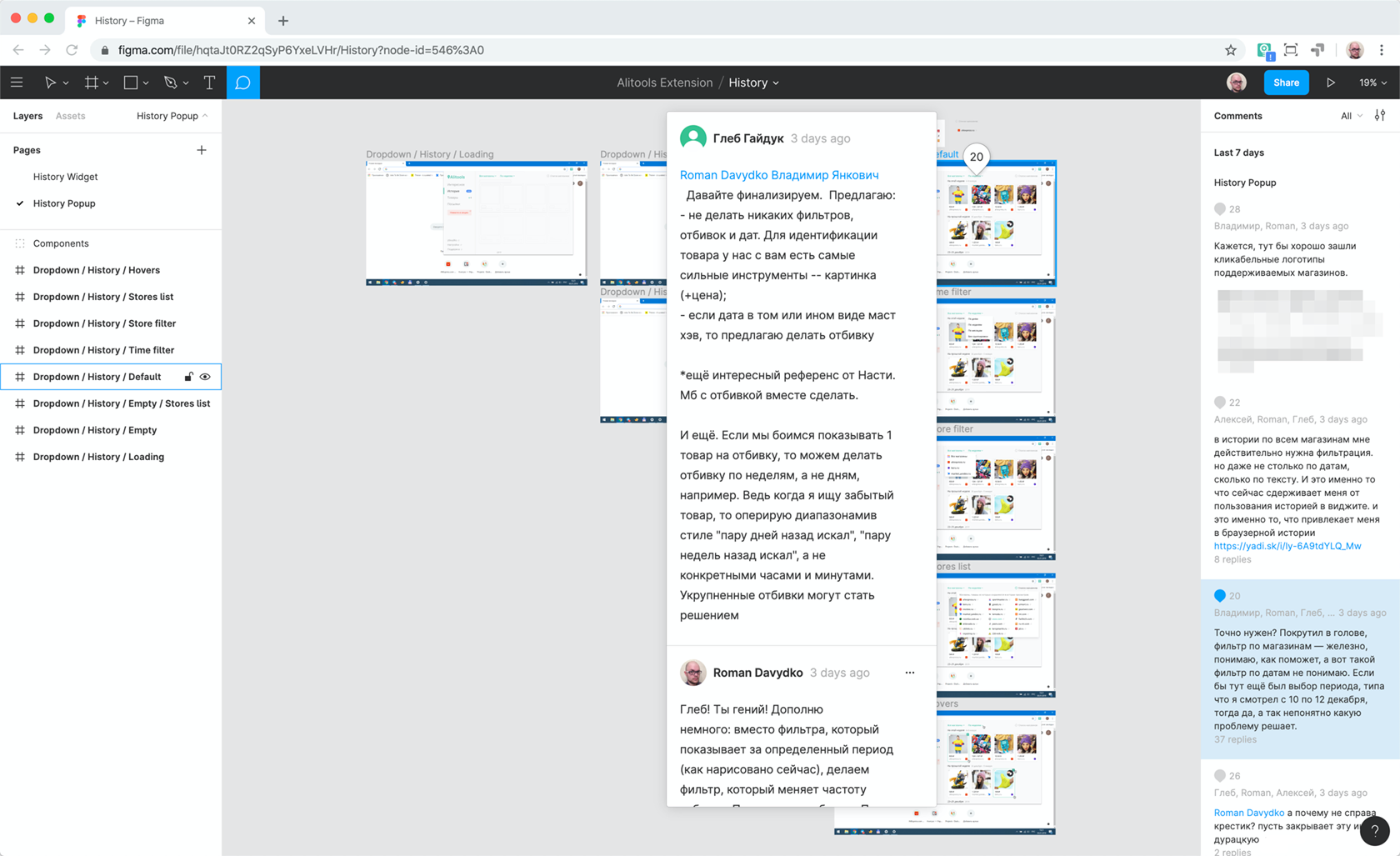
If the PM successfully defended the document to the team, the next stage was to find a design solution. This stage looked different for each feature, but the essence was as follows: we discussed, drew lines on the blackboard or in wireframes in Moqups; agreed on the work logic from the user's point of view; clarified the technical solution details with developers; and designed a layout.
Next came the defense of the design solution and layout. Happened right in Figma. Any team member could leave a comment with a question, criticism, or suggestion. If necessary, we turned to data: conducted tests through Usability Hub or looked at analytics.